
Holiday travel is chaotic enough without surprise parking rules, hidden cover charges, or finding out a “family‑friendly” spot actually isn’t. Google’s latest Maps update tries to fix exactly that with a new Gemini‑powered feature called “Know before you go” – plus a new power‑saving navigation mode just for Pixel 10 owners.
This blog walks through what’s new, why it actually matters in real life, and who gets the best of it.
What “Know Before You Go” Actually Does
When you search for places in Google Maps – restaurants, hotels, concert venues, and similar spots – there’s now a “Know before you go” section on the place page.
Instead of just showing star ratings and generic review blurbs, Maps pulls out practical, visit‑changing details, such as:
- Parking tips (where to park, if it’s free after a certain time, tricky entrances)
- The best way to book (walk‑in only, call ahead, app‑only reservations)
- Secret or off‑menu items
- Cash‑only policies or cover charges
- Accessibility or entrance details (which door to use, stroller‑friendly, bag policies)
These tips are generated by Gemini, using a mix of user reviews, business updates, photos, Q&A, Local Guides input, and other public information online. The goal is for it to feel less like a wall of reviews and more like a quick briefing from a friend who has already been there.
Right now, these AI tips are rolling out in the U.S. on Android and iOS, and you can tap each tip to expand and see more context.
Why It Matters More Than Regular Review Summaries
Maps has summarized reviews for years, but this update is more surgical. Instead of “great food, cozy vibe,” it tries to answer, “What do you wish you’d known before you went?”
That might mean:
- Avoiding a surprise valet fee
- Knowing that a café stops serving food an hour before closing
- Learning there’s a quieter side entrance if you’re with kids or luggage
- Realizing you need to book a week ahead if you’re going on a Friday night
Because the system depends heavily on how much good data a place has, some locations will feel incredibly well‑explained, while others with few reviews or outdated info may only get generic notes at first. Over time, as more people contribute reviews and business info, those tips should get sharper and more reliable.
Pixel 10’s Power‑Saving Mode: A Quiet Game‑Changer
Alongside the AI tips, Google Maps is also rolling out a new Power Saving Mode for navigation – but only for the Pixel 10 family.
Here’s what it does in plain terms:
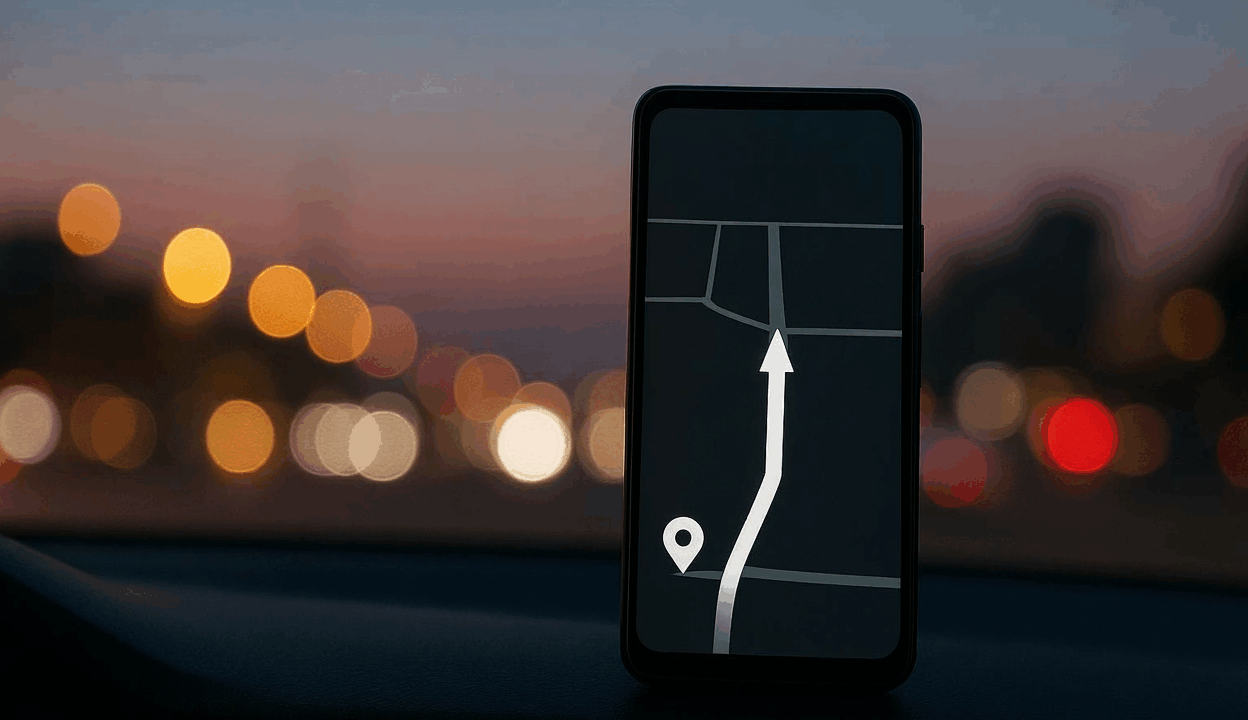
- When you start driving navigation and tap the power button, Maps switches to a minimal, black‑and‑white map on your lock screen.
- It uses an ultra‑low‑power “AOD Min Mode” so Maps runs on the Always‑On Display with just the essentials: next turn, route line, and key info.
- Google says this can extend navigation time by up to about four extra hours on long drives compared to standard full‑brightness navigation.
There are some catches:
- It’s Pixel 10‑only (including Pro, XL, and Fold variants).
- It only works for driving, not walking, biking, or transit.
- It runs in portrait mode only.
You can manage it in Google Maps → Settings → Navigation → Driving options → Power saving mode, though for many Pixel 10 owners it’s on by default once the feature arrives.
For anyone who relies on Maps during long trips – especially when a charger isn’t guaranteed – that extra buffer can be the difference between arriving calm and arriving with a dead phone.
The Bigger Picture: Maps as a Travel Sidekick
Taken together, “Know before you go” and the Pixel 10 power‑saving mode show where Google is nudging Maps next: